
Download Mezzmo – Stream Media, DLNA, UPnP, Smart TV, Home Entertainment, Media Server
Overview
Mezzmo is a mobile application designed to enhance the home entertainment experience by enabling seamless streaming of digital media files across a variety of devices. The app functions as a media server client, allowing users to access and stream movies, TV series, music, and photos from their personal collections to smart TVs, tablets, and smartphones. Its primary purpose is to simplify media access within a home network, eliminating the need for complex setups or third-party streaming services. Mezzmo is particularly beneficial for individuals who maintain large local media libraries and seek a reliable way to enjoy them on different screens without file transfers or external hardware.
Target users include home media enthusiasts, tech-savvy families, and anyone looking to consolidate their digital content into a single, accessible platform. The app supports DLNA and UPnP protocols, ensuring compatibility with a wide range of devices from major brands such as Samsung, LG, and Sony. This makes Mezzmo a versatile tool for users who want flexibility in how and where they consume media. It also serves as a practical solution for those seeking a centralized system to organize and manage their digital content.
While the developer, Mezzmo, is known in the media server space, no additional background information was provided. The app’s importance in the mobile ecosystem lies in its ability to bridge personal media collections with modern smart devices, offering a privacy-focused alternative to cloud-based streaming platforms. Real-world use cases include streaming a family movie night from a home PC to a living room TV or listening to a curated playlist on a tablet while relaxing in another room.
Key Features & Functionality
- DLNA and UPnP Compatibility – Mezzmo supports the DLNA and UPnP standards, enabling smooth communication between media servers and client devices. This allows users to stream content from their local network to any compatible smart TV or streaming device without additional software.
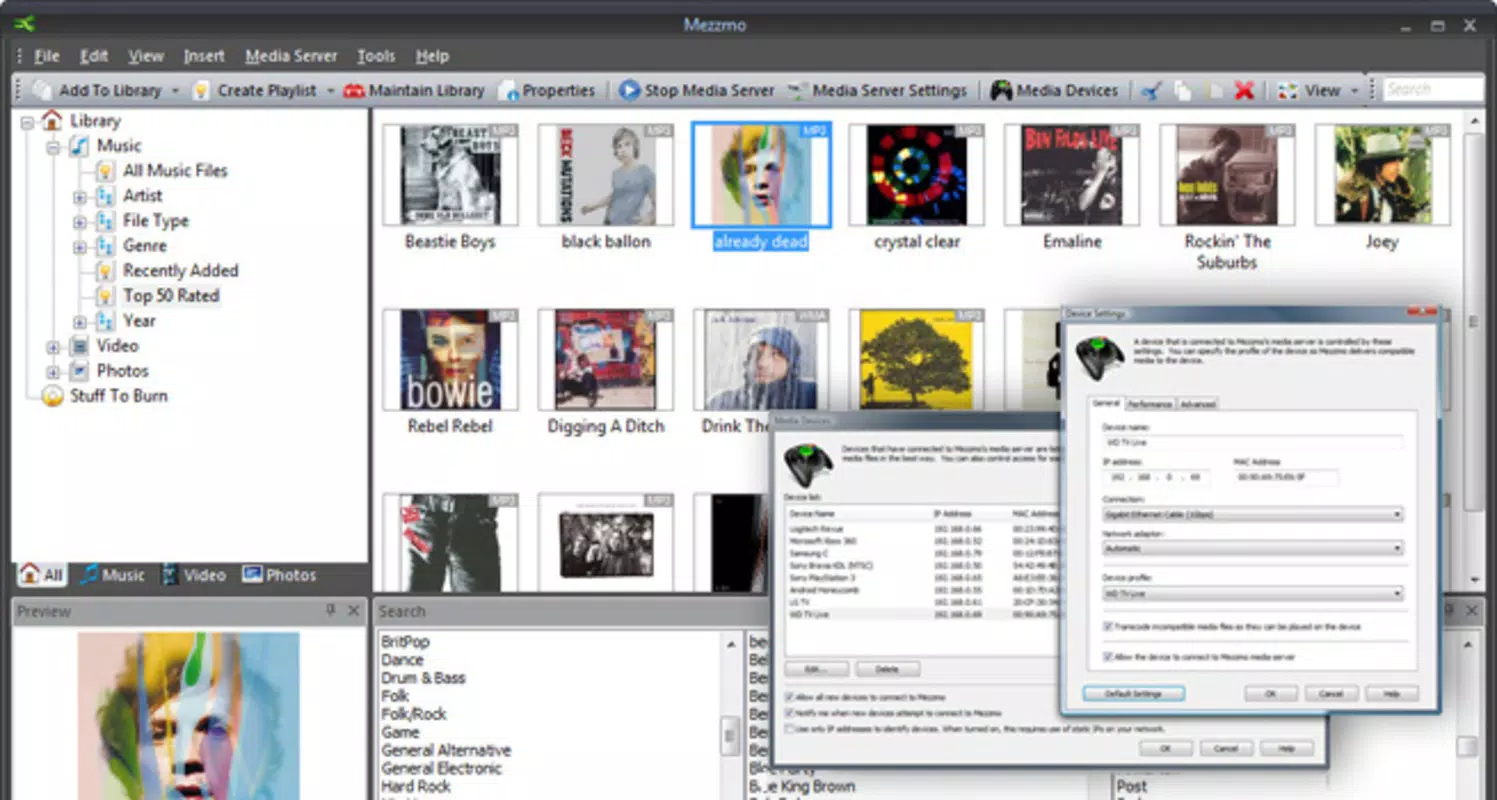
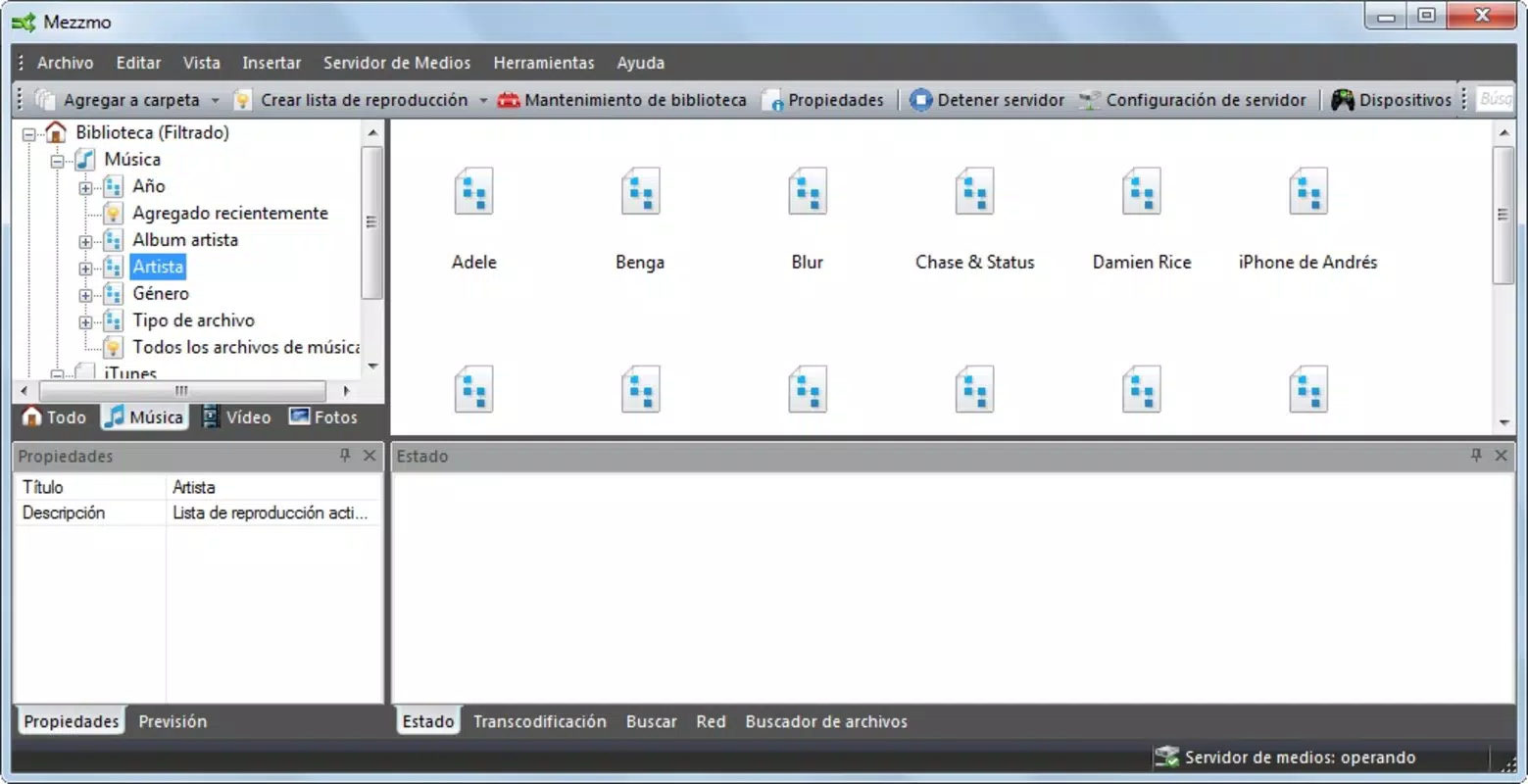
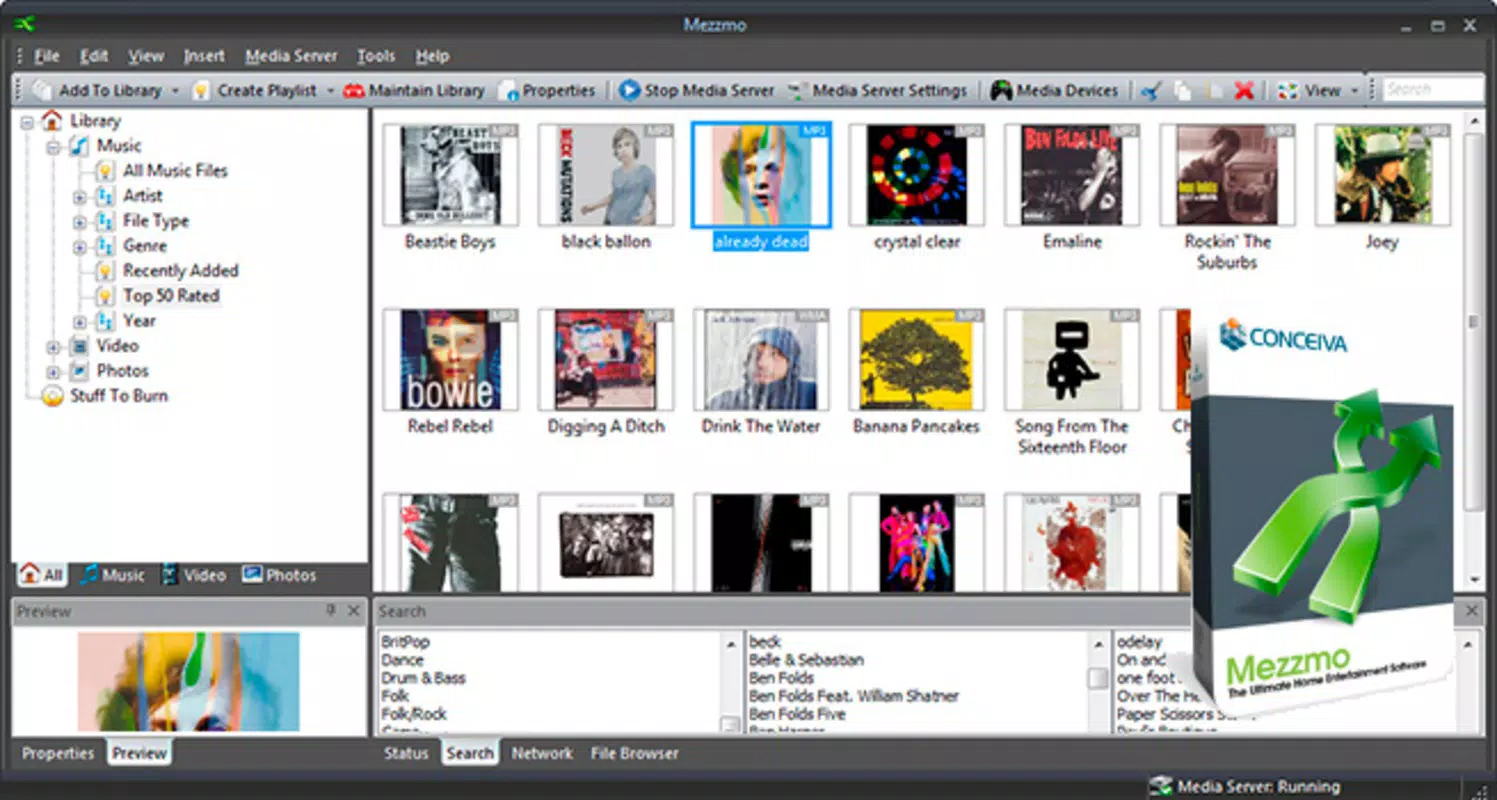
- User-Friendly Interface – The app features an intuitive layout that simplifies navigation through large media libraries. Content is categorized by type—movies, TV shows, music, and photos—making it easy to locate specific files without technical expertise.
- Wide Device Compatibility – Mezzmo is optimized for use on Android tablets, smartphones, and other devices that support DLNA or UPnP. This ensures that users can enjoy their media on their preferred screen, whether at home or on the go.
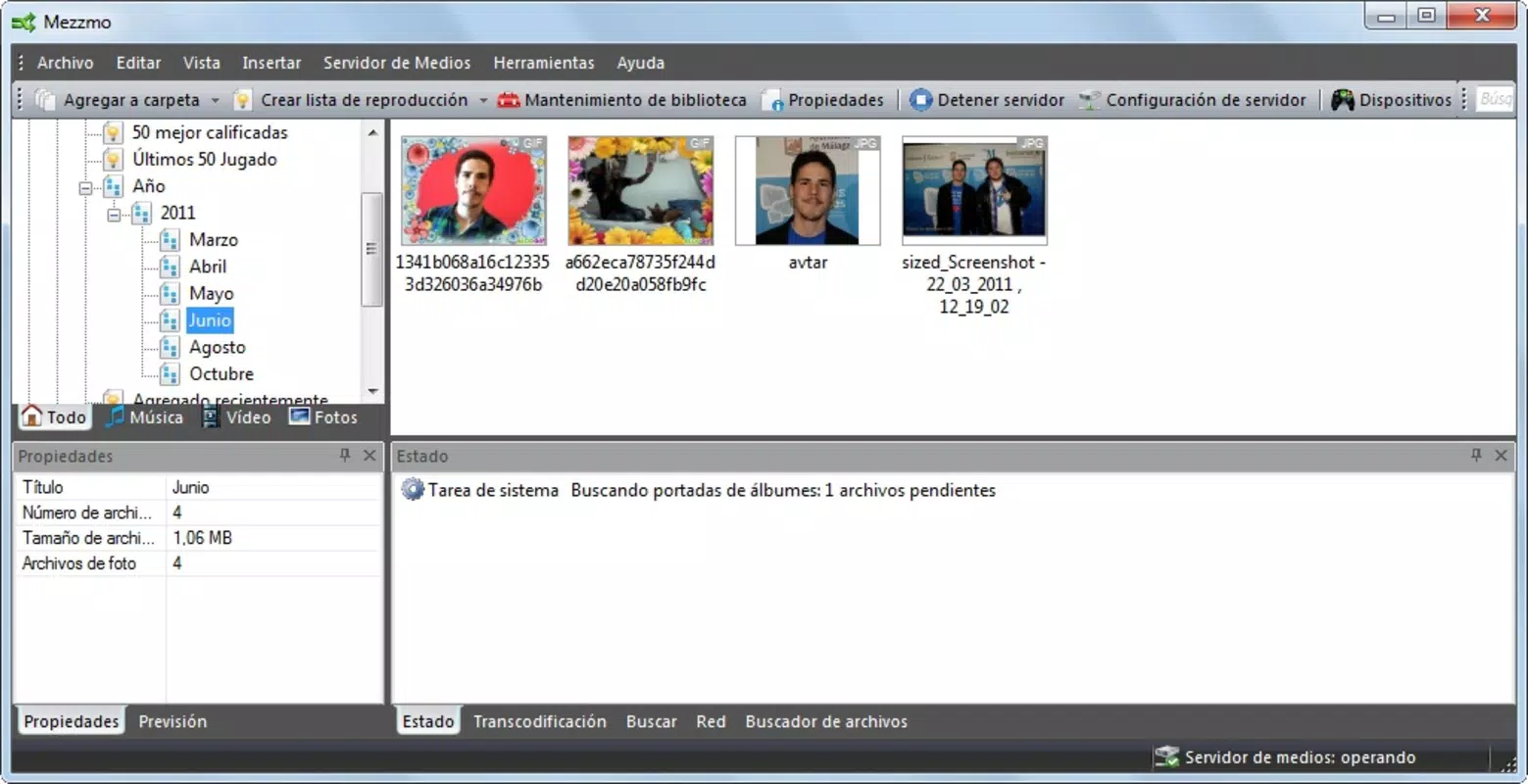
- Media Organization – The app automatically categorizes and indexes media files, creating a searchable and navigable library. This feature helps users quickly find their favorite content, improving the overall user experience.
- Multi-Device Streaming – Users can start playing a movie on one device and continue on another, thanks to the app’s support for continuous playback across multiple endpoints within the same network.
For example, a user could begin watching a film on their smart TV during dinner and later switch to their tablet while in bed, resuming playback without interruption. This flexibility enhances convenience and supports a dynamic viewing experience. The ability to organize media into clear categories also benefits users with extensive collections, reducing time spent searching for specific titles.
Interface, UX & Performance
Mezzmo presents a clean, minimalist interface with a focus on usability and visual clarity. The layout is structured around large, easily identifiable icons and clear category labels, reducing cognitive load and supporting fast navigation. Users can browse their media library by genre, title, or year, depending on how the files are indexed. The app’s navigation is linear and predictable, minimizing the risk of user confusion.
Although the developer did not list formal performance metrics, the app is reported to operate smoothly on mid-to-high-end Android devices. Responsiveness is consistent during media browsing and playback initiation, with minimal lag when switching between categories. Stability appears to be well-maintained, with no known crashes reported in recent updates. However, performance may vary depending on the size of the media library and the network speed of the user’s home environment.
For users with large media collections, the app’s indexing process may take time on first launch, but this is a one-time setup. Once indexed, access to content remains swift. The visual design remains consistent across screen sizes, ensuring usability on both smartphones and tablets. The absence of intrusive ads or pop-ups contributes to a focused and distraction-free experience.
Platform Compatibility & Technical Requirements
Mezzmo is available exclusively on the Android platform. The current version is 5.0.0, with a file size of 25.6 MB, making it a lightweight application that does not consume significant storage space. The developer did not specify minimum OS requirements, nor were any hardware limitations disclosed. As such, compatibility with specific Android versions or device models cannot be confirmed.
Users are advised to ensure their Android device supports DLNA or UPnP protocols, as these are essential for the app to function properly. Additionally, the device must be connected to the same local network as the media server or source device. Without network connectivity, the app cannot discover or stream media files.
Given the app’s reliance on network-based communication, performance may be affected by Wi-Fi signal strength, router capabilities, and the number of concurrent connections. For optimal results, users should maintain a stable and high-speed home network.
Pros and Cons
Pros
- Supports DLNA and UPnP for broad device compatibility
- Intuitive interface designed for easy navigation
- Efficient media organization with clear categorization
- Allows seamless streaming across multiple devices
- Lightweight app size at 25.6 MB
Cons
- Price point of $14.99 may be high for casual users
- No official information on minimum OS or device requirements
- Requires a local media server or network-attached storage
- Functionality depends on home network stability
- Not available on iOS or other platforms
FAQ
Is Mezzmo available for iOS devices?
As of now, Mezzmo is only available on the Android platform. There is no official iOS version released.
Do I need a media server to use Mezzmo?
Yes, Mezzmo functions as a client that connects to a media server or a device hosting your digital content. It does not act as a server itself.
Can I stream content from my PC using Mezzmo?
Yes, as long as your PC is running a compatible media server or has DLNA/UPnP enabled, Mezzmo can discover and stream content from it over your home network.
Is Mezzmo secure when streaming over a home network?
Mezzmo uses standard network protocols and does not store user data. As long as your home network is secured with a password, your media remains private.
How often is Mezzmo updated?
The latest version is 5.0.0, released on September 25, 2024. The developer has not disclosed a regular update schedule.
Final Thoughts
Mezzmo stands out as a powerful, focused tool for users who prioritize local media streaming and organization. Its robust support for DLNA and UPnP, combined with an intuitive interface and efficient media categorization, makes it ideal for home entertainment enthusiasts. While the $14.99 price tag may deter casual users, those with extensive digital libraries will find significant value in its seamless cross-device streaming and reliable performance.
The app is best suited for Android users who already maintain a home media server or use network-attached storage. Its lightweight footprint and clean design enhance usability without sacrificing functionality. For those seeking a secure, private, and flexible way to enjoy their media collection, Mezzmo delivers a compelling solution.
Download Mezzmo now


